

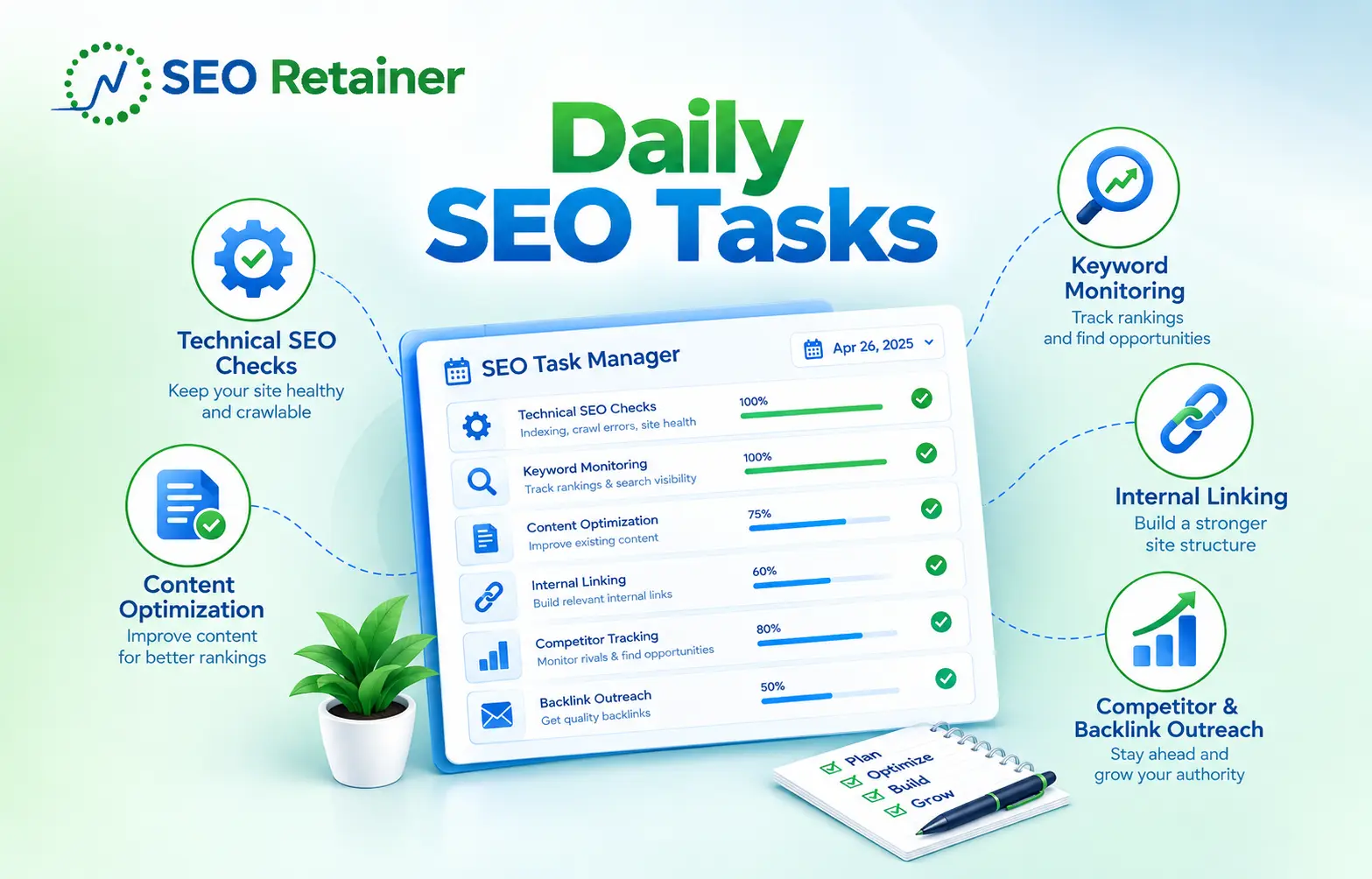
SEO can take over your full day if you keep checking Google Search Console, Google Analytics, keywords, every chart and pages. A good daily SEO routine should do the opposite. It should help you find real problems fast, note what needs work and then let you get back to the rest of your job.
According to the number of pages and the size of your website, it can take 15 to 30 minutes (small to medium size). For bigger sites, the time can be different. What you can check daily is GSC, GA4, keyword rankings, organic traffic, uptime and recent content. Time-consuming bigger SEO works are weekly or monthly tasks such as content updates, technical SEO audits and link outreach.
What Counts as a Daily SEO Task and What Doesn’t
A daily SEO task is a quick check of your site’s charts, rankings and keywords. A daily check is essential because it helps you find issues before it becomes bigger issues. Your daily SEO should be monitoring search visibility, indexing, traffic, conversions and site health.
What you don’t need to do every day:
- Publish a new blog post
- Build a new backlink
- Run a full technical SEO audit
- Rewrite a page after one ranking drop
- Check every URL by hand
- Review every keyword in your tracker
Expert SEO executives from SEO Retainer suggest that you can do your SEO work in three simple steps.
- First: watch the main signals.
- Second: fix small issues that take only a few minutes.
- Third: flag larger problems for weekly work.
So, following these steps, you can do your work in an organized form and avoid unnecessary deep-checking work that is not recommended for daily checks.
Why Daily SEO Habits Matter
Daily SEO habits matter because search problems can start any time without any clear warning in your monitoring tools. There can be different reasons, such as a tracking break, a page returning a 404 or 502 or a ranking drop. So a quick review helps you to monitor those signals before those issues become bigger.
You Catch Problems Earlier
When you find your website’s SEO problems earlier, before they affect your performance, it helps you recover faster and limit the impact on your rankings.
Find as early as possible:
- Deindexing important pages
- Server errors or downtime
- Accidental noindex tags
- Broken redirects
- Missing GA4 data
- Manual actions
- Security warnings
- Sudden organic traffic loss
You Understand Ranking Changes Better
Keyword rankings move all the time, so one small drop is not always a problem. Daily rank tracking gives you context. You can see whether one term moved, a whole keyword cluster dropped or a competitor gained visibility across several search engine results pages.
Pay more attention when you see:
- Several keywords fall together
- Clicks and impressions fall too
- A competitor rises across many terms
- Featured snippet or AI Overview visibility changes
- A key page drops off page one
- The same page loses rankings for several days
You Protect Traffic and Conversion Data
Decision of SEO depends on the clear and regular data over a certain period, not sudden changes or 24-hour stats. If your Google Analytics, key events or your website form tracking breaks, you will see a different report. If you check these things daily, you can prevent those issues with timely action.
Watch for signs such as:
- Key events dropping to zero
- Organic sessions changing without a clear reason
- Landing pages showing no visits
- Leads falling while traffic stays flat
- A tracking change after a site update
You Avoid Bigger Cleanup Jobs
Small SEO problems can grow when nobody sees them. One wrong redirect rule can affect many URLs. One broken template can remove internal links across a section. Daily monitoring will not fix every issue, but it can tell you when a larger technical or content review is needed.
The Daily SEO Checklist
Your daily SEO checklist should cover only the signals that can change fast or cause real business loss. The exact routine depends on site size, traffic and revenue. A local service site needs fewer checks than a large ecommerce site with thousands of category and product pages.
1. Check Google Search Console
The most important free tool is Google Search Console, and you should start with this one. GSC shows how your site performs in Google Search. Your daily check should have a part of checking this tool. You can check indexing, impressions, clicks, Core Web Vitals, warnings on URLs, etc.
Check these areas first:
- Search clicks
- Impressions
- Average position
- Top queries
- Top landing pages
- Manual actions
- Security issues
- Important URLs after a recent change
You should use those performance reports for daily search trends and inspecting the URLs of important pages. This is how you can stay focused on problems that might require your attention quickly.
Tool
- Google Search Console (GSC)
2. Monitor Priority Keyword Rankings
Daily keyword rank monitoring helps you spot large changes in search visibility. You do not need to watch every keyword in your SEO tool. Focus on the terms tied to your main pages, services, products, locations and conversions, then look for patterns instead of tiny moves.
Track signals such as:
- Top 10 keyword movement
- Page one gains or losses
- Featured snippet changes
- AI Overview visibility
- Local pack movement (Map Pack)
- Competitor gains
- Changes by device
- Changes by target location
Tools
- Semrush
- Ahrefs
- SE Ranking
- Another rank tracking platform
3. Check Organic Traffic in GA4
Your daily GA4 check should answer one simple question. Did organic traffic or conversions change in a way that looks unusual? You do not need a full analytics review each morning. Focus on organic sessions, landing pages and key events that matter to the business.
Compare current results with:
- The same day last week
- Your normal daily range
- Recent weekday patterns
- The previous period when useful
Tool
- Google Analytics 4
4. Check Uptime and Technical Alerts
Technical SEO monitoring should rely on alerts, not constant manual checks. Use an uptime monitor and scheduled crawler so you know when the site breaks. Your daily job is to review alerts, judge how serious the issue is and decide whether it needs action now.
Watch for:
- Website downtime
- 5xx server errors
- Important 404 errors
- Redirect loops
- Failed scheduled crawls
- SSL problems
- txt changes
- Broken internal links
- Large page speed changes
Tools
- UptimeRobot
- Pingdom
- Screaming Frog
- Sitebulb
- PageSpeed Insights
5. Review New and Recent Content
Content SEO only needs daily attention when you publish, update or closely track a new page. If a page went live today, do a quick on-page SEO check. If nothing was published, review one or two recent pages instead of forcing content work into the day.
Check new pages for:
- Title tag
- H1
- Meta description
- Search intent
- Internal links
- Image alt text
- Canonical tag
- Crawl access
- Indexing access
- Structured data
- Mobile layout
6. Monitor Backlinks and Referring Domains
Backlink monitoring should be a quick check for important gains, losses or strange patterns. You do not need to inspect every new link. Focus on links from relevant sites, links pointing to high-value pages and sudden changes in referring domains that may deserve a closer look.
Review:
- New backlinks
- Lost backlinks
- High-authority referring domains
- Links to key landing pages
- New anchor text
- Large link spikes
- Important lost links
- Unusual spam patterns
You should treat backlink changes as signals but not an instant action-taking issue. If you lose a quality backlink from a relevant and good site, you should reach out to them but don’t worry about spam links. Take a deeper backlink audit weekly but review referring domains, anchor text and link quality first.
Tools
- Ahrefs
- Semrush
- Google Search Console
7. Check Brand Mentions When They Matter
Brand mentions are not mandatory for all websites but they help SEO overlap with PR, content promotion and quality link building. If you run a quick scan to identify new brand mentions, questions or unlinked references, you can find outreach, backlinks, or content ideas.
Look for:
- New brand mentions
- Unlinked mentions
- Reviews
- Questions about the brand
- Social shares of new content
- Industry posts that mention your company
A Sample Daily SEO Routine
A simple SEO routine can be divided into two parts: a morning check and a short end-of-day check. This is how you can stay focused on your work and this also stops you from opening dashboards all day. For small websites, only a morning check is enough and For bigger sites, both morning and evening checks can be useful.
Morning Routine
The morning routine should cover the signals most likely to show a new search problem. Start with Search Console, move to keyword rankings and finish with GA4. If the numbers look normal, stop. A quiet day should take less time than a problem day.
| Task | Time | Tool |
| Search Console check | 5 min | GSC |
| Rank monitoring | 5 to 10 min | Rank tracker |
| Organic traffic check | 5 min | GA4 |
Evening or End-of-Day Routine
The end-of-day routine can focus on alerts, backlinks and recent content. This second check is useful for sites that change often, publish often or depend heavily on organic traffic. If your site is small and stable, you may not need another check every day.
| Task | Time | Tool |
| Uptime and technical alerts | 5 min | Monitor or crawler |
| Backlink scan | 5 min | Ahrefs or Semrush |
| Recent content check | 5 min | GSC or GA4 |
Daily vs. Weekly vs. Monthly SEO Tasks
Daily, weekly and monthly SEO tasks have different jobs.
- Daily work finds changes.
- Weekly work fixes and improves pages.
- Monthly work looks at strategy, trends and reporting.
Keeping these jobs separate helps you avoid making large SEO changes based on one noisy day of data.
| Aspects | Main Focus | Common Tasks |
| Daily | Monitoring | GSC, rankings, GA4, uptime |
| Weekly | Optimization | Content updates, links, on-page fixes |
| Monthly | Strategy | Audits, reporting, keyword review |
A daily check should only raise the flag. Weekly SEO is where you review the page, compare competitors and make on-page fixes. Monthly SEO is where you judge wider trends, report results and adjust the keyword, content, technical SEO or link-building plan. For the reporting side, see our monthly SEO reporting guide.
Tools You Need for Daily SEO Monitoring
You do not need a large SEO stack to run a useful daily routine. A few tools can cover search performance, traffic, rankings and technical health. The best setup uses alerts and dashboards so you spend more time reading signals and less time collecting data.
Google Search Console
Google Search Console is the main tool for checking Google Search performance, indexing and search issues. Use it for clicks, impressions, queries, pages, manual actions and security warnings. Use URL Inspection when you need to check the crawl or index status of one specific URL.
Google Analytics 4
GA4 helps you connect organic traffic with user behavior and conversions. Use Traffic acquisition and Landing page reports to review organic sessions, entry pages and key events. Engagement rate can add context, but leads, sales and other business outcomes should guide your final judgment.
Rank Tracker
A rank tracker records keyword positions over time so you can see trends by page, device and location. It can also track SERP features and competitors. Daily rank data is useful for monitoring, but do not treat one position change as proof that a page needs work.
Uptime Monitor
Uptime monitoring is a significant task. It checks whether your website is live or not due to any hacking attack, hosting provider downtime or any other security issues. Uptime monitors save your time and help you directly find issues and fix them. Uptime is important because search engines and users cannot access a page when your service becomes unavailable.
SEO Crawler
An SEO crawler helps find broken links, redirect issues, missing tags, duplicate metadata and other technical SEO problems. Scheduled crawls are useful for larger sites because they can show what changed between runs. Use the results to plan weekly technical fixes instead of checking pages by hand.
What’s Wrong With Your Daily SEO Checklist
A bad daily SEO checklist creates noise instead of insight. It makes you check too many things, react too fast and spend time on tasks that do not need daily attention. A good checklist stays short, follows real business priorities and helps you find meaningful changes.
Treating Daily Changes Like Strategy
Don’t make any decisions based on sudden changes or changes in a single day. Because in SEO, this is not enough. Traffic and ranking of a website fluctuate for many reasons. Such as seasonality, demand, SERP changes, competitors’ activity, etc., so treat the daily change like a strategy, not a decision-making metric.
Watching Rankings Too Closely
Daily rank tracking is useful when you use it to see trends. It becomes a problem when every small move causes a rewrite. Watch keyword clusters, page one losses, clicks, impressions and landing page traffic together. A wider pattern gives you more useful evidence.
Doing Everything by Hand
Manual SEO monitoring wastes time and makes it easy to miss issues. Use scheduled crawls, rank trackers, uptime alerts and dashboards. You should spend your time reviewing the data and fixing important problems, not repeating the same searches and page checks every morning.
Publishing Content Every Day
There are no search engines that say daily content publishing is good or mandatory for a website. The ideal time would be to set a calendar and, at a consistent interval, publish content, like twice or once a week. Focus on quality content, not quantity.
Frequently Asked Questions
How much time should I spend on SEO daily?
If your site is small or medium, 15 to 30 minutes is enough, but for enterprise-level websites it can take 30 minutes to 2 hours daily.
Do daily keyword ranking changes matter?
Not really. Because search engines test rankings, algorithm changes, and many other factors can affect your spot daily. A large drop across several important keywords deserves a closer look, especially if clicks and impressions also fall.
Can daily SEO tasks be automated?
Yes, of course. Tasks like reporting and rank tracking, which are more likely to repeat and need no human intelligence, can be automated through tools.
What is the difference between daily monitoring and daily SEO work?
The difference between daily monitoring and daily SEO tasks is that when you implement or execute anything like requesting an index for a page, creating a report, or posting a blog, those are daily SEO tasks. On the other hand, checking your website’s keyword rankings, traffic, any charts or stats and finding what’s going wrong or right is daily SEO monitoring.
Do I need to publish content every day for SEO?
It’s not mandatory to publish content every day. But regular publishing is important. Choose a publishing schedule you can maintain without lowering content quality.
Keep Your Daily SEO Routine Simple
Daily SEO should help you stay aware without taking over your day. Check search performance, rankings, organic traffic and site health. Fix small problems when you can, then move larger work into weekly or monthly tasks. A useful routine is short, repeatable and tied to real SEO goals.